
HRMS Software Development Company
AIONINNO Technologies develops digital solutions to help businesses streamline HR operations, employee attendance, payroll management, leave tracking, and reporting.
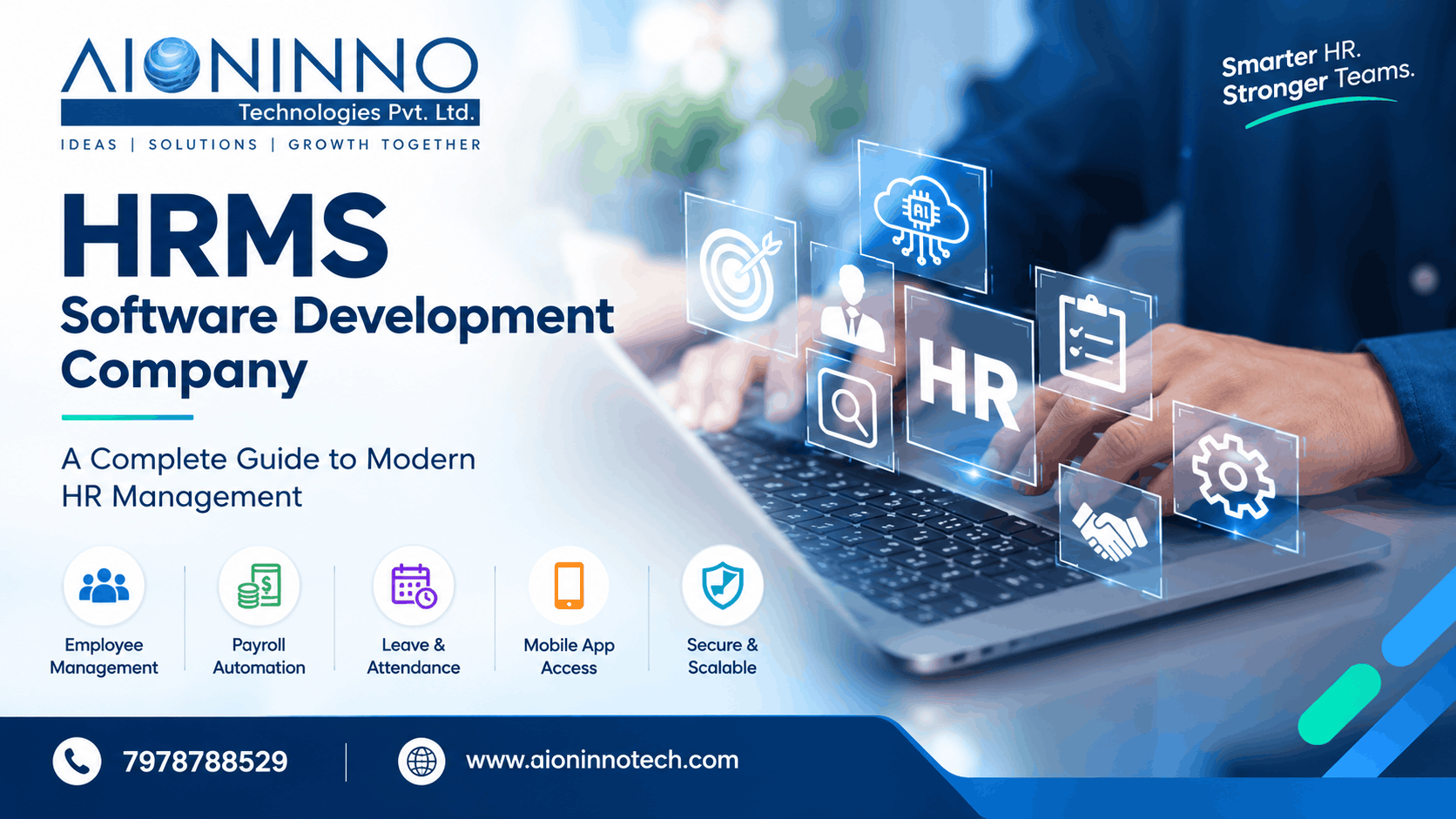
HRMS Software Development Company: A Complete Guide to Modern HR Management
Managing employees, tracking attendance, processing payroll, handling reimbursements, and communicating company updates are important responsibilities for every organisation. When these activities are handled manually or across multiple systems, HR teams may spend more time on administrative tasks and less time supporting employees.
Human Resource Management System (HRMS) software helps businesses organise these activities through a centralised digital platform. With features such as employee management, payroll automation, leave and attendance tracking, mobile app access, and reports and analytics, an HRMS can simplify everyday HR operations.
Choosing the right HRMS Software Development Company helps businesses identify suitable features and develop a solution that aligns with their employee management requirements. AIONINNO Technologies provides digital solutions for businesses looking to improve their technology and operational workflows.
What Is HRMS Software?
HRMS stands for Human Resource Management System. It is a software solution designed to help organisations manage employee information and streamline human resource activities through a digital platform.
Instead of maintaining separate records for different HR tasks, an HRMS can bring multiple functions together in one system. Authorised users can manage employee profiles, attendance records, leave requests, payroll-related information, reimbursements, company announcements, and HR reports.
For example, an employee may use the system to check attendance details, submit a reimbursement request, or view a company announcement. HR staff can access the relevant records, review requests, and manage employee information according to their permissions.
The features available depend on the software's design and configuration. Some businesses use standard HRMS platforms, while others may require custom HRMS software development to match their internal processes.
A well-planned HRMS helps create a more organised approach to employee management and everyday HR administration.
Why Do Businesses Need HRMS Software?
Businesses need an efficient way to manage employee information, HR requests, and routine administrative activities. HRMS software can support these needs by bringing important processes into a central system.
Centralised Employee Information
Maintaining employee records in one place helps authorised HR staff access and update relevant information more conveniently. Profile management and employee management features support organised employee records.
Simplified Attendance and Leave Management
Tracking employee attendance and handling leave requests can become difficult as a workforce grows. HRMS software helps organise attendance information and leave-related activities in a digital system.
More Efficient Payroll Activities
Payroll automation features can help streamline supported payroll workflows and reduce repetitive manual tasks. The system should be configured according to the organisation's payroll policies and requirements.
Easier Employee Communication
A notice board and announcements feature allows businesses to share important updates with employees through a central platform. This can make company communication more organised.
Convenient Employee Access
Mobile app access and cloud-based access can help employees and authorised staff use supported HRMS functions from different locations, subject to the system's configuration and access permissions.
Better HR Reporting
Reports and analytics can help HR teams review available employee and operational data. Organised reports support monitoring and can help businesses make more informed administrative decisions.
Essential Features of HRMS Software
The right HRMS features help businesses manage employee information, organise HR activities, and provide convenient access to essential services. The following features are important considerations when selecting or developing an HRMS solution.
1. Employee Management
Employee management helps organisations maintain and organise employee information in a central system. HR teams can manage relevant employee records and access information according to their assigned permissions.
2. Payroll Automation
Payroll automation supports payroll-related workflows and helps reduce repetitive manual tasks. Businesses should ensure the system meets their payroll policies, calculations, approval processes, and reporting requirements.
3. Leave and Attendance
Leave and attendance features help organise employee attendance records and leave-related activities. They can make it easier for HR teams to review records and manage employee requests.
4. Mobile App Access
Mobile app access gives employees a convenient way to use supported HRMS features through compatible mobile devices. Depending on the system, this may include checking relevant records, submitting requests, and accessing company updates.
5. Reports and Analytics
Reports and analytics help HR teams review available data and understand workforce-related information. Useful reports can support attendance monitoring, employee administration, and internal planning.
6. Secure Login and User Access
Secure login and user access controls help protect the system by limiting access according to user roles and permissions. Employees, HR staff, and administrators should only be able to access the information and functions appropriate to their responsibilities.
7. Reimbursement Requests
A reimbursement request feature allows employees to submit eligible expense claims through the HRMS. Depending on the workflow, authorised staff can review requests and manage their status.
8. Holiday List
A central holiday list helps employees and HR teams view relevant holidays and plan attendance or leave around the organisation's published schedule.
9. Notice Board and Announcements
The notice board and announcements feature helps organisations share company updates, internal notices, and important information with employees in one place.
10. Profile Management
Profile management allows employees or authorised HR staff to view and maintain supported employee details. Appropriate permissions help ensure that sensitive information is only accessible to authorised users.
11. Cloud-Based Access
Cloud-based access can allow authorised users to access supported HRMS functions through an internet connection without being limited to one office computer. Availability depends on the system's hosting, configuration, and security controls.
12. Secure and Scalable System
A secure and scalable HRMS should protect employee information and support the organisation's changing requirements. Businesses should consider access controls, data protection, backups, performance, and the ability to accommodate future growth.
Together, these features help organisations create a more organised HR management process. The final feature set should be selected according to business size, workforce requirements, internal policies, and budget.
Benefits of Custom HRMS Software Development
Every organisation has its own employee policies, approval workflows, reporting needs, and administrative processes. Custom HRMS software development allows businesses to plan a solution around these specific requirements.
Designed Around Business Requirements
A custom solution can be planned around the organisation's employee management processes, leave policies, reimbursement procedures, and access requirements.
Improved Workflow Management
Bringing supported HR activities into one platform can help reduce the need to maintain separate records and move information manually between systems.
Convenient Employee Self-Service
Depending on the selected features, employees may be able to access their profiles, review attendance information, submit reimbursement requests, or view company announcements without contacting HR for every routine task.
Role-Based Access
Custom development can incorporate access permissions based on employee roles and responsibilities. This helps organisations manage who can view, update, approve, or administer different types of information.
Flexible Reporting
Businesses can identify the reports they need for employee administration, attendance, and other HR activities. Reporting requirements can then be considered during the software planning and development process.
Support for Business Growth
As an organisation expands, its employee records, reporting needs, and administrative workflows may change. A scalable HRMS can be designed to accommodate future requirements, subject to the system architecture and available resources.
Before beginning development, businesses should define their essential features, user roles, security requirements, integrations, implementation timeline, and ongoing maintenance needs. This helps ensure that the software is practical and aligned with the organisation's objectives.
Frequently Asked Questions
Frequently Asked Questions
What is HRMS software used for?
HRMS software helps organisations manage employee information and HR activities such as attendance, leave management, payroll-related workflows, reimbursement requests, employee profiles, and company announcements.
What are the most important features of HRMS software?
Important features may include employee management, payroll automation, leave and attendance tracking, mobile app access, reports and analytics, secure login, profile management, cloud-based access, and employee communication tools.
What is custom HRMS software development?
Custom HRMS software development involves planning and building an HR management solution around a business's specific processes, employee policies, reporting requirements, and access needs.
Can employees access HRMS software through a mobile app?
Yes, an HRMS can offer mobile app access when the system includes this capability. The available functions depend on the software, user permissions, and configuration.
How do I choose an HRMS software development company?
Consider the provider's relevant experience, understanding of your requirements, development process, security approach, scalability, reporting capabilities, implementation plan, and ongoing support.
Why Choose AIONINNO Technologies?
Selecting an appropriate technology partner is an important step when planning HRMS software. Businesses should look for a clear development process, an understanding of their requirements, appropriate security planning, and support throughout implementation.
AIONINNO Technologies provides digital solutions for businesses looking to improve their operations through technology. Organisations considering an HRMS solution can begin by identifying their current HR challenges and the features they need in a centralised system.
When evaluating an HRMS development project, it is useful to consider:
-
Requirement analysis: Identify the HR activities that need to be managed digitally.
-
Feature planning: Prioritise employee management, payroll automation, leave and attendance, reimbursement requests, and other required modules.
-
User access and security: Define permissions for employees, HR staff, and administrators.
-
Ease of use: Plan a straightforward interface for routine employee and HR activities.
-
Reporting requirements: Determine which records and reports are needed for everyday operations.
-
Scalability and maintenance: Consider future changes, technical support, and ongoing system improvements.
The appropriate solution depends on the organisation's requirements, existing systems, and budget. Discussing these details with a technology provider can help establish a practical development plan.
If your business is planning to improve employee management and automate HR workflows, contact AIONINNO Technologies to discuss your software requirements.
AIONINNO Technologies Pvt. Ltd.
Website: https://www.aioninnotech.com/
Phone: 7978788529
Email: contact@aioninnotech.com
